
查看npm 版本

npm 版本
安装element-ui

安装 element-ui
安装vue-router 路由

安装 vue 路由
idea启动项目,启动springboot项目
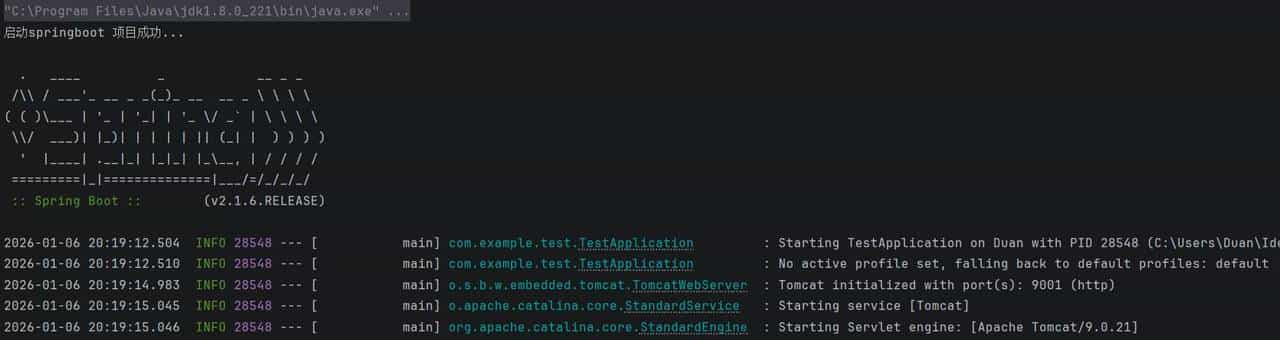
启动springboot 后台
启动时报错,提示未安装axios
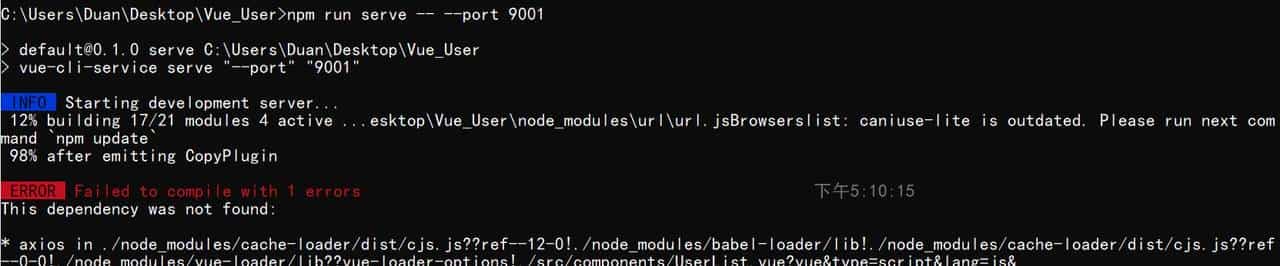
安装 axios


运行再次报错
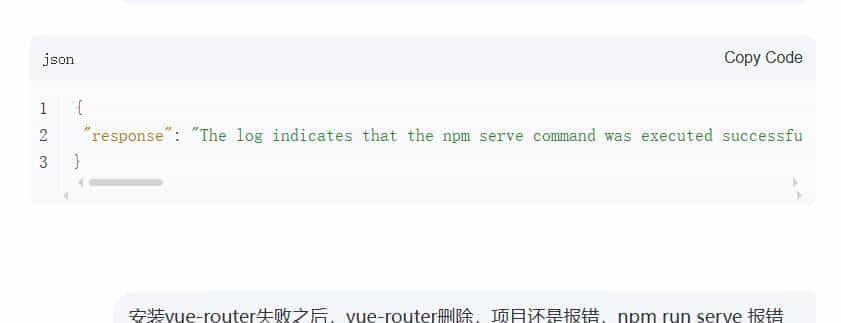
查日志之后发现版本冲突
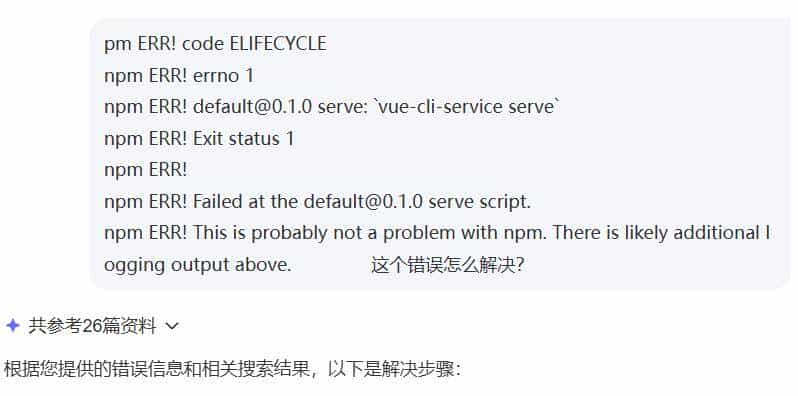
版本冲突
解决冲突,解决办法如下:
rm -rf node_modules package-lock.json  # 删除依赖和锁文件   可以手动直接删除
npm cache clear --force                # 清除缓存
npm install                           # 重新安装依赖
npm run serve                         # 启动项目
由于我的后端,springboot 中的启动端口时 server: port: 9001,
server:
     port: 9001
所以,这里需要临时设置前端访问端口如下:
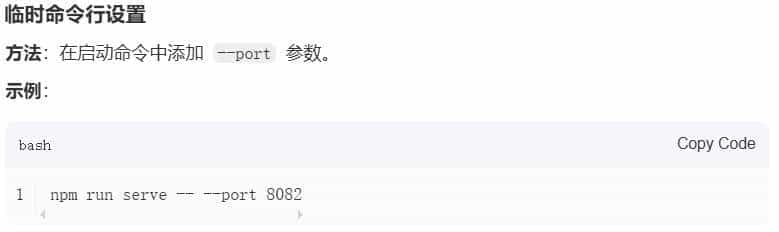
临时设置vue启动端口
再次报错,vue-router版本冲突
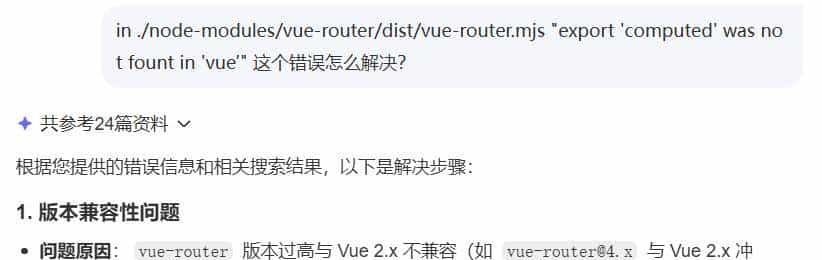
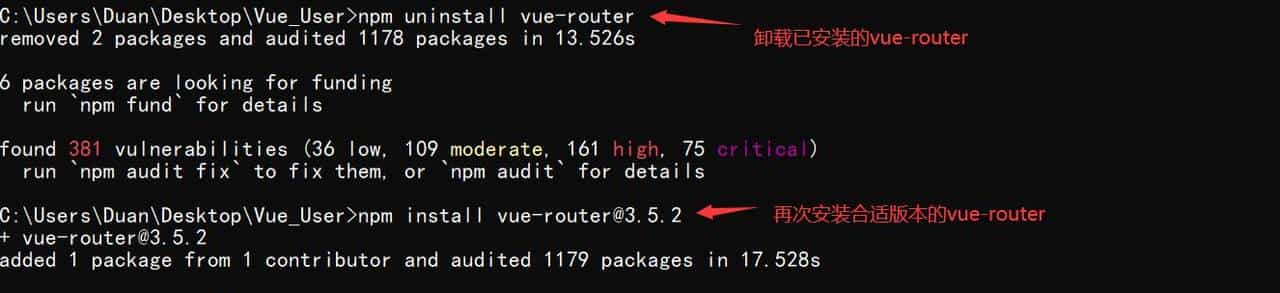
npm install vue-router@3.5.2 #安装兼容版本(推荐 vue-router@3.5.2)
npm list vue-router #验证安装解决版本依赖冲突
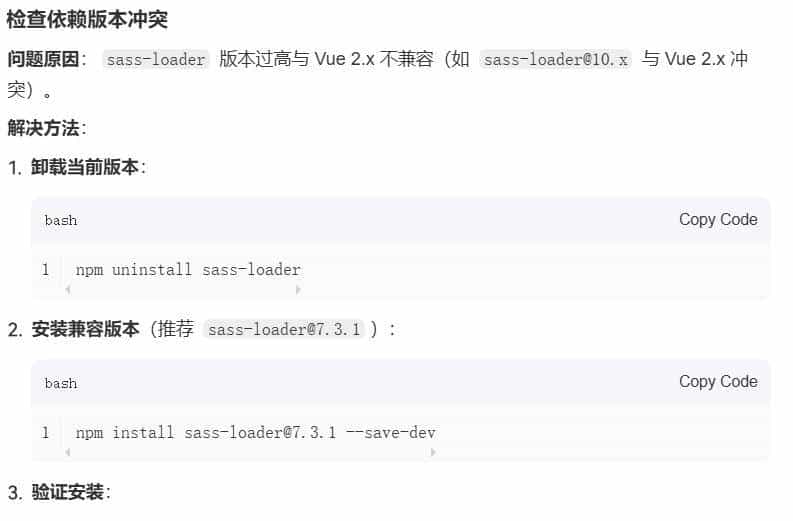
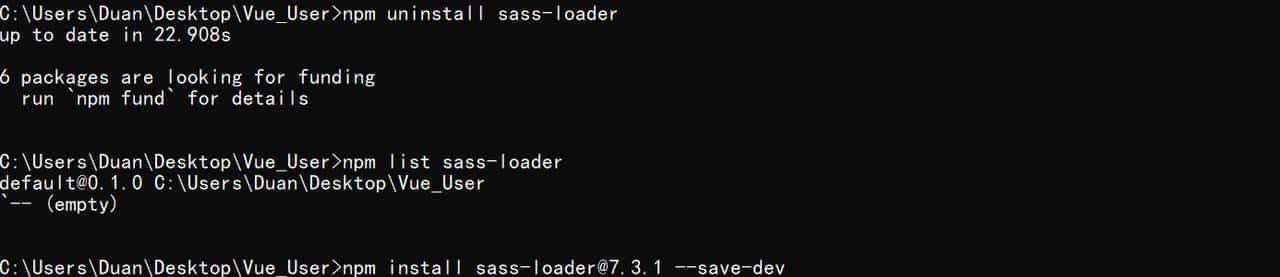
全部安装完毕,再次启动,出现 403 Forbidden ,服务器拒绝请求错误,这个问题,需要在后台设置跨域,具体代码如下:
public class CrossConfig implements WebMvcConfigurer{

    @Override  //跨域设置
    public void addCorsMappings(CorsRegistry registry) {
        registry.addMapping("/api/**")
                .allowedOrigins("http://localhost:9001")
                .allowCredentials(true)
                .allowedMethods("GET", "POST", "DELETE", "PUT","PATCH")
                .maxAge(3600)
                .allowedHeaders("*");
    }
}
@RestController
@RequestMapping("/api/UserInfo")
@CrossOrigin(origins = "http://localhost:9001")
public class UserInfoController {
@Autowired
private UserInfoService userInfoService;
@GetMapping
public List<UserInfo> getAllUsers() {
return userInfoService.findAll();
}
}全部完成后启动后台

同时启动前台 npm run serve — –port 9001:
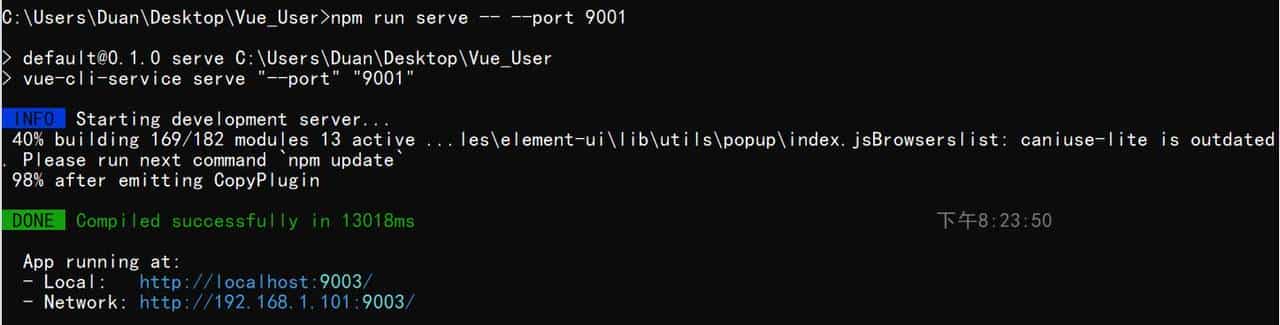
最终效果如下
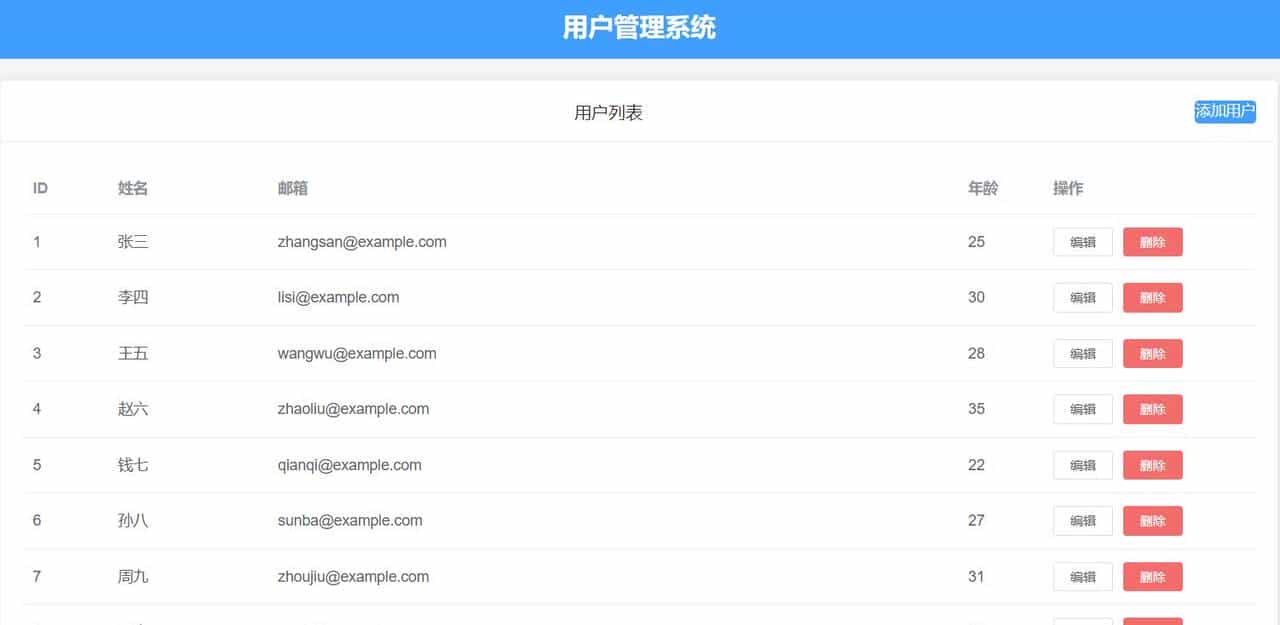
最终页面效果
仅以本次记载springboot+vue 踩坑记录,需要代码和sql的同学,一键三连,私聊我
© 版权声明
文章版权归作者所有,未经允许请勿转载。











很好,学习