

一图变多图,我们用九宫格效果,横竖各切两刀,变为九张图片,图片看着就时尚有动感,如下图所示:

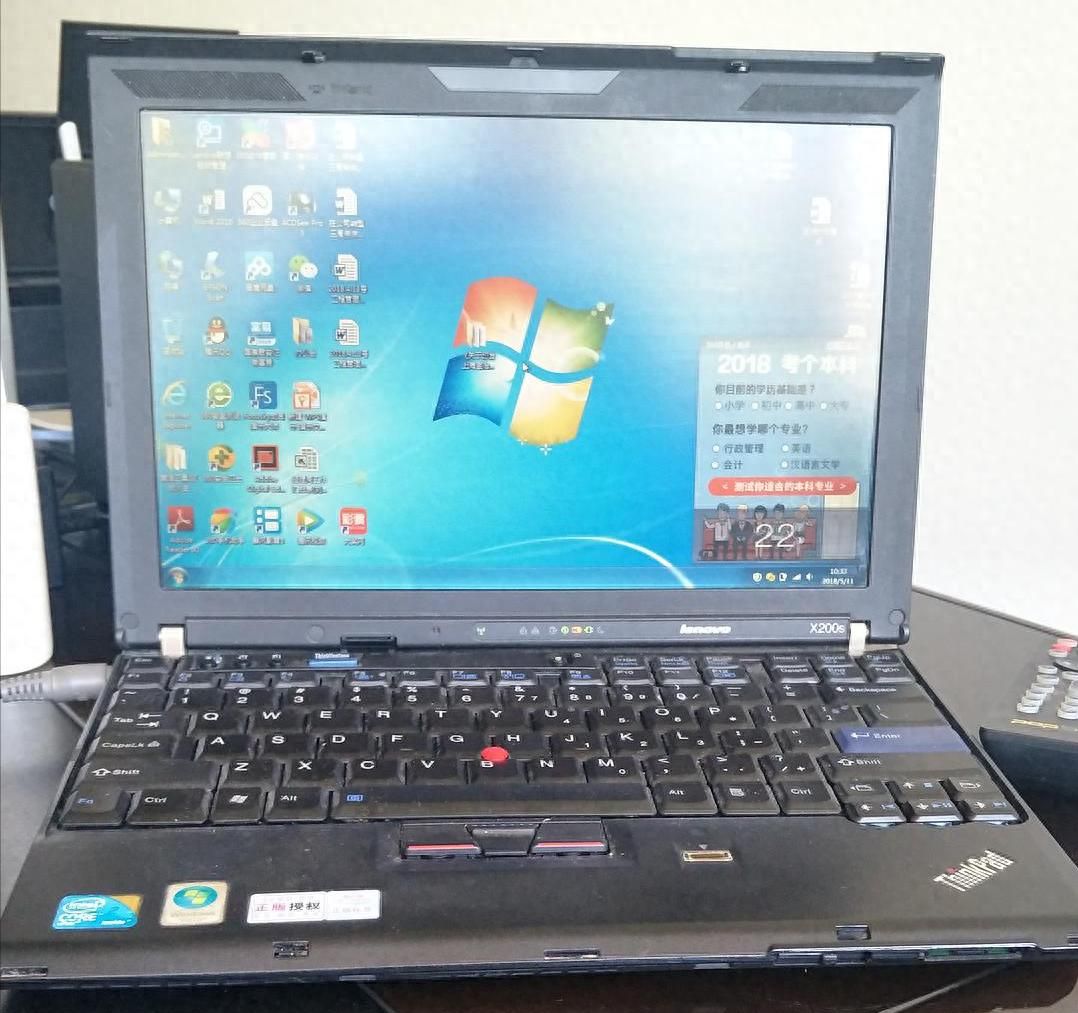
原图
一次性生成9个图片:

分割后的9张图片
实现思路,用处理图片的核心库 Pillow,读取文件,获取图片文件的尺寸(高度和宽度),均匀的切割为9块,用嵌套循环,分别计算各个格子的坐标,并用 PIL 库的crop方法把特定区域裁剪出来并依次保存。
计算坐标是核心算法,拿500像素 X 800像素的图片来说,数字不是3的整倍数,显然直接除以3取整的话,会产生像素遗漏,500//3=166,166*3=498;损失2个像素,因此在原基础上先加2再除以3取整解决此问题。
完整Python代码贴出来:
from PIL import Image
import os

def split_img_to_grid(image_path):
    # 1. 检查输入图片是否存在
    if not os.path.exists(image_path):
        raise FileNotFoundError(f"图片文件不存在:{image_path}")

    # 2. 打开图片并获取原始尺寸
    with Image.open(image_path) as img:
        img_width, img_height = img.size

        # 3. 计算每个小格子的尺寸(向上取整,避免遗漏像素)
        grid_width = (img_width + 2) // 3
        grid_height = (img_height + 2) // 3

        print(f"原始图片尺寸:
{img_width}x{img_height}
")
        print(f"每个格子尺寸:
{grid_width}x{grid_height}
")

        picname=os.path.split(image_path)[1].split(".")[0]
        #获取不含扩展名的文件名

        filepath=os.path.split(image_path)[0]
        # 4. 循环分割图片(行x列)
        for row in range(3):
            for col in range(3):
                # 分别计算每个格子的坐标
                #(左、上、右、下)
                left = col * grid_width
                top = row * grid_height
                right = min(left + grid_width, img_width)
                # 避免超出图片边界
                bottom = min(top + grid_height, img_height)

                # 裁剪图片
                #(PIL的crop方法:(left, upper, right, bottom))
                cropped_img = img.crop((left, top, right, bottom))

                # 保存裁剪后的图片
                #(命名格式:文件名_行号_列号.扩展名)
                img_ext = image_path.split(".")[-1]
                # 获取原图片扩展名
                save_name = f"{picname}_{row+1}_{col+1}.{img_ext}"
                # 行号列号从1开始
                save_path = os.path.join(filepath, save_name)
                cropped_img.save(save_path)

                print(f"已保存:{save_name}")

if __name__ == "__main__":
    image1='E:/桌面/2/141.jpg'
    split_img_to_grid(image1)

#在源文件的目录下生成9个图片文件

© 版权声明
文章版权归作者所有,未经允许请勿转载。如内容涉嫌侵权,请在本页底部进入<联系我们>进行举报投诉!
THE END













- 最新
- 最热
只看作者